Top 10 Best Free VPNs in 2026: Tested, Safe, and Actually Worth Using
V1.1.71
100M+
Description
Not every VPN that calls itself “free” is actually safe to use. Some free VPNs slow your internet to a crawl. Others quietly collect and sell your browsing data to advertisers, which is the exact opposite of what a VPN is supposed to do.
The good news is that a small group of free VPNs are genuinely trustworthy. They come from established companies, use real encryption, and don’t spy on you to make money. In this guide, we cover the top 10 best free VPNs in 2026, based on real factors like data limits, server locations, speed, and privacy policies.
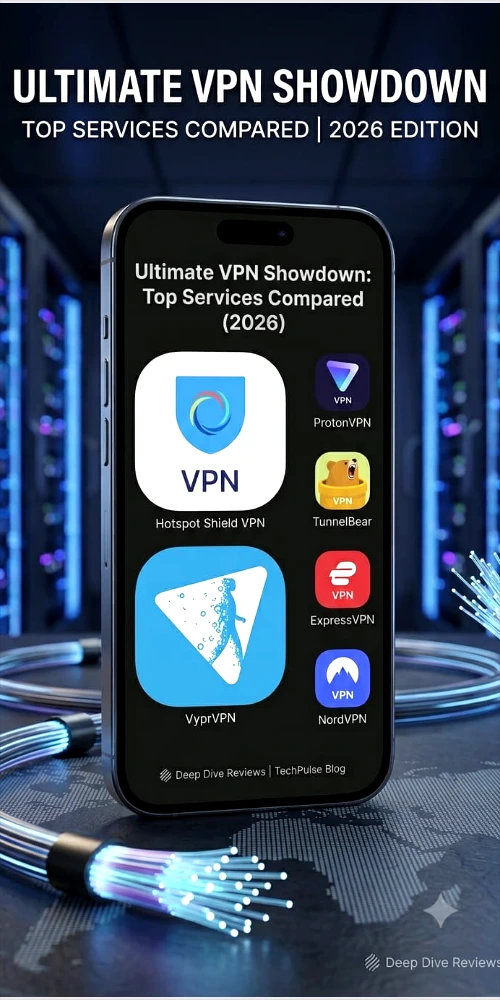
Whether you want to browse safely on public Wi-Fi, keep your activity private, or simply try a VPN before paying for one, this list will help you choose a free option that actually works, without giving away your privacy in the process.
Table of Contents
What Are the Top 10 Best Free VPNs?
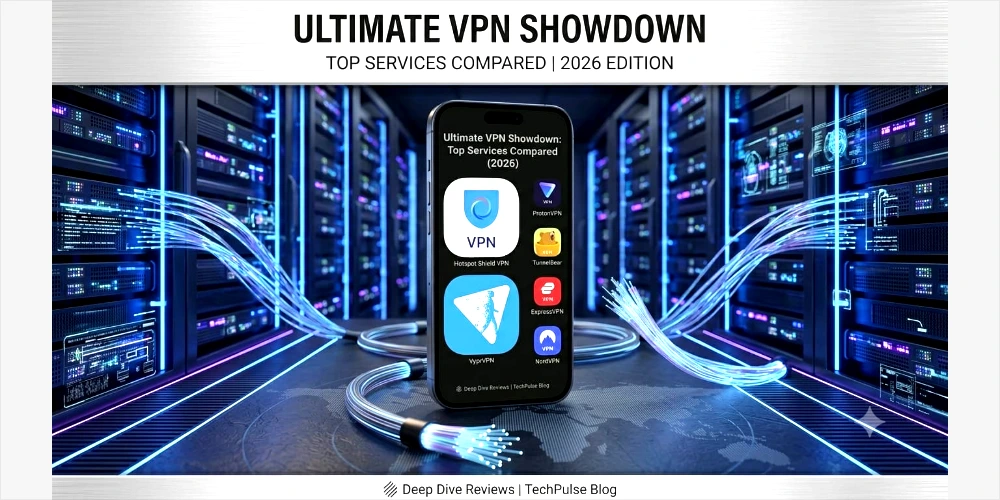
Here is the short version. Each of these VPNs offers a genuine free plan or free trial, backed by a real company with a public privacy policy.
- Proton VPN Free — best overall, unlimited data
- Windscribe Free — best data allowance for a free plan
- PrivadoVPN Free — fastest speeds among free options
- Hotspot Shield Basic — no time limit, simple to use
- TunnelBear Free — friendliest app for beginners
- Hide.me Free — most configurable settings
- ZoogVPN Free — small but dependable backup option
- Speedify Free — combines Wi-Fi and mobile data for stability
- NordVPN Free Trial — premium features for 7 days
- Surfshark Free Trial — unlimited devices during the trial
Below is a side-by-side look at how they compare on data, servers, and devices.
| VPN | Free Data | Server Locations | Devices | Standout Feature |
| Proton VPN Free | Unlimited | 3 countries | 1 device | No data cap, Swiss privacy law |
| Windscribe Free | 10 GB/month | 10 countries | Unlimited | Built-in ad & tracker blocker |
| PrivadoVPN Free | 10 GB/month | 12+ countries | 1 device | Fast speeds, some streaming access |
| Hotspot Shield Basic | ~500 MB/day | US only | 1 device | No time limit on free plan |
| TunnelBear Free | 2 GB/month | 40+ countries | 5 devices | Beginner-friendly, audited no-logs |
| Hide.me Free | 10 GB/month | 5 countries | 1 device | Highly configurable settings |
| ZoogVPN Free | 1 GB/month | 1-2 countries | 1 device | Simple backup option |
| Speedify Free | 5 GB/month | Global (limited) | 1 device | Combines Wi-Fi + mobile data |
| NordVPN (trial) | Full access, 7 days | 6,000+ servers | 6 devices | Premium features for free short-term |
| Surfshark (trial) | Full access, 7 days | 100+ countries | Unlimited | No device limit during trial |
Key Features of Each Free VPN
1. Proton VPN Free
Proton VPN gives you unlimited data with no monthly cap, which is rare among free VPNs. It’s based in Switzerland, has strong privacy laws behind it, and its no-logs policy has been independently audited. The catch is that free users can only connect one device at a time and can only choose from a handful of server countries. Torrenting isn’t supported on the free tier, but for everyday private browsing, it’s hard to beat.
2. Windscribe Free
Windscribe offers 10GB of data per month if you confirm your email address, which is generous for a free plan. Free users get servers in around 10 countries and can connect an unlimited number of devices. It also includes a built-in ad and tracker blocker and a firewall-style kill switch, which is unusual for a free VPN.
3. PrivadoVPN Free
PrivadoVPN gives you 10GB of fast data each month, and after that, you can keep browsing at a slower speed instead of being cut off completely. It has solid speeds, works with a small number of streaming platforms, and includes a basic ad blocker. Its no-logs policy hasn’t been independently audited yet, which is worth knowing if audits matter to you.
4. Hotspot Shield Basic
Hotspot Shield’s free plan doesn’t expire, so you can keep using it long-term. The trade-off is a daily data limit of around 500MB and access limited mostly to US-based servers. It’s fast, but the small daily allowance means it’s best for light browsing rather than streaming or downloading.
5. TunnelBear Free
TunnelBear is built for people who find VPNs confusing. The bear-themed app makes setup simple, and its no-logs policy has been independently audited. Free users get 2GB of data a month, and as of 2026, the free plan auto-selects the closest server rather than letting you pick manually. It’s a great starting point if you’ve never used a VPN before.
6. Hide.me Free
Hide.me recently removed its old data cap for free users, which makes it a strong choice if you want more control. It offers a good range of configurable settings, appealing to more advanced users, though free server locations are limited to a handful of countries.
7. ZoogVPN Free
ZoogVPN is a smaller provider with a modest free tier, offering around 1GB of data and one or two server locations. It won’t replace a full-featured VPN, but it’s a reasonable backup option if your main VPN is down or you just need occasional protection.
8. Speedify Free
Speedify has a different approach: it combines your Wi-Fi and mobile data connections at the same time to keep your connection stable, even if one drops. Free users get a modest monthly data allowance. It’s a good pick if you often deal with unreliable internet and need consistency more than raw speed.
9. NordVPN Free Trial
NordVPN doesn’t offer a permanent free plan, but it does offer a short free trial (commonly 7 days, sometimes through app store promotions) with full access to its premium features, including thousands of servers and strong streaming support. It’s worth trying if you want to test a top-tier VPN before committing to a subscription.
10. Surfshark Free Trial
Like NordVPN, Surfshark offers a 7-day free trial rather than a permanent free tier. What makes it stand out is unlimited device connections, even during the trial, along with strong streaming compatibility and torrenting support. It’s a good option if you want to protect every device in your household at once, even temporarily.
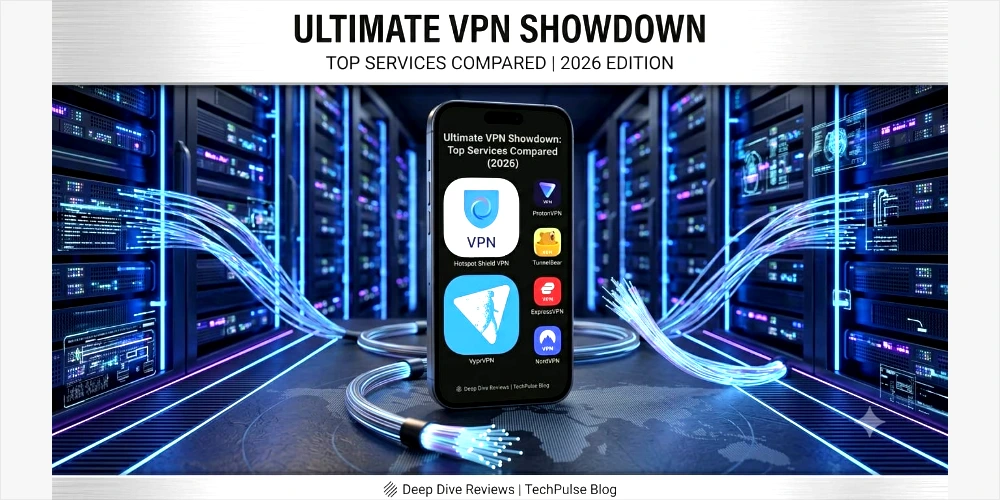
How to Download or Access the Best Free VPNs
All ten VPNs on this list are available through official, trusted channels. Follow these simple steps:
- Go to the Google Play Store or Apple App Store and search the VPN’s name.
- Alternatively, visit the provider’s official website directly, especially for desktop apps or browser extensions.
- Check that the developer name matches the official company before installing.
- Avoid third-party download sites. Fake VPN apps are a common way malware spreads, and official stores remove apps that don’t meet security standards.
Downloading only from official sources is one of the simplest ways to protect yourself, since it’s the fastest way for a scam app to reach your phone otherwise.
How to Register or Sign Up
Signing up for a genuine free VPN is usually quick:
- Open the app or website and select the free plan.
- Enter your email address and create a password (some providers, like Proton VPN, let you sign up without an email in certain cases).
- Confirm your email if asked, since some providers unlock extra data this way (Windscribe does this).
- For free trial VPNs like NordVPN or Surfshark, you may be asked for payment details up front. Set a reminder to cancel before the trial ends if you don’t want to be charged.
- Once verified, log in and connect to a server. No credit card is required for the truly free plans.
Platform Experience: Desktop, Mobile, and Browser
All the VPNs listed here work across Windows, Mac, Android, and iOS. Most also offer browser extensions for Chrome or Firefox, which are lighter and useful for quick browsing protection without running a full app.
Mobile apps tend to be the simplest to use, often just one tap to connect. Desktop apps generally offer more settings, such as choosing a specific protocol or turning on a kill switch. Free plans rarely support VPN use on routers, so you’ll need to install the app on each device separately.
Benefits and Advantages of Using a Free VPN
- No cost to try, so there’s no financial risk in testing whether a VPN suits your needs.
- Basic protection on public Wi-Fi, such as at airports, cafes, or university campuses.
- Hides your IP address from most websites you visit, adding a layer of everyday privacy.
- A good way to compare providers before committing to a paid subscription.
- Useful for occasional, light browsing needs where a full paid plan isn’t necessary.
Safety and Security: What to Check Before You Trust a Free VPN
A trustworthy free VPN should tick a few boxes. Look for AES-256 encryption, which is the same standard used by banks and governments. Check whether the no-logs policy has been independently audited, since this confirms the company isn’t just claiming privacy but proving it.
A kill switch is another important feature. It cuts your internet connection automatically if the VPN drops, so your real IP address is never exposed by accident. Also check where the company is legally based. Countries with strong privacy laws, such as Switzerland, tend to offer better legal protection for your data.
Be cautious of free VPNs with no clear company name, no privacy policy, or no reviews online. These are far more likely to log your activity and sell it to advertisers, which defeats the purpose of using a VPN in the first place.
Bonuses, Rewards, and Promotions
- Windscribe and Speedify occasionally offer referral bonuses that add extra free data when a friend signs up.
- Free trial VPNs like NordVPN and Surfshark often run seasonal discounts if you decide to upgrade after your trial ends.
- Some providers offer a discount for upgrading to a paid plan directly from the free app, rather than through a browser.
These bonuses are helpful, but they shouldn’t be the main reason to pick a VPN. Focus on privacy and security first, and treat any extra data or discount as a nice addition.
Tips for a Better Free VPN Experience
- Turn on the kill switch if the app offers one, so your data stays protected if the connection drops.
- Avoid online banking or entering sensitive passwords over an ad-supported free VPN.
- Keep an eye on your monthly data usage so you’re not caught off guard when it runs out.
- Update the app regularly, since older versions can carry unpatched security issues.
- If you’re using a free trial VPN, set a calendar reminder a day before it ends, so you’re not charged unexpectedly.
Pros and Cons of Free VPNs
| Pros of Free VPNs | Cons of Free VPNs |
| No cost, no risk to try | Data or speed limits on most plans |
| Good for light, everyday browsing | Fewer server locations to choose from |
| Great way to test a VPN before buying | Streaming and torrenting support is limited |
| Trusted brands offer audited no-log policies | Some free VPNs sell user data — avoid unknown apps |
| Easy to set up, beginner friendly | Customer support is often limited on free tiers |
Is it safe to use a free VPN?
Some are, some aren’t. A free VPN from a well-known, audited company like Proton VPN or Windscribe is generally safe. A free VPN with no clear company behind it, no privacy policy, and no reviews is risky, because it may log and sell your data instead of protecting it.
Can free VPNs unlock Netflix and other streaming sites?
Occasionally, but not reliably. PrivadoVPN and Windscribe sometimes work with a few streaming libraries, but most free VPNs are blocked by major platforms. If streaming is your main goal, a paid VPN will save you a lot of frustration.
Do free VPNs slow down internet speed?
Most do, at least a little. Free servers are shared by more people and are fewer in number, so you may notice slower speeds during busy hours. Providers like PrivadoVPN and Hotspot Shield tend to perform better than smaller, lesser-known free VPNs.
What is the difference between a free VPN and a free trial VPN?
A free VPN, like Proton VPN or Windscribe, is free forever with some limits, such as data caps. A free trial VPN, like NordVPN or Surfshark, gives you full premium access for a short period, usually 7 days, and then asks you to pay to continue.
Can I use a free VPN forever without paying?
Yes, as long as you’re using one of the true free plans, such as Proton VPN, Windscribe, or TunnelBear. These plans don’t expire, though they do come with limits on data, servers, or devices.
Do free VPNs work on iPhone and Android?
Yes. Every VPN on this list has apps for both Android and iOS, along with Windows and Mac apps. Always download the app from the official Google Play Store, Apple App Store, or the provider’s own website.
Which free VPN has the most data?
Proton VPN Free offers unlimited data with no monthly cap, which makes it the best choice if you plan to use a VPN daily for regular browsing.
Is using a VPN legal in Pakistan?
Yes. Using a VPN for personal privacy and security is legal in Pakistan. The Pakistan Telecommunication Authority mainly requires registration from businesses and heavy commercial users, not individuals browsing or working casually. Unregistered VPN traffic can sometimes be throttled, but personal use itself is not banned.
Final Verdict
If you want one free VPN that works well for daily use, Proton VPN Free is the strongest overall pick, thanks to its unlimited data and audited privacy record. If you need more data each month, Windscribe Free is a close second. PrivadoVPN Free is worth trying if speed matters most to you, while TunnelBear Free is the easiest starting point if you’re completely new to VPNs.
If you’re considering a paid VPN down the line, the free trials from NordVPN and Surfshark let you test premium-level performance before you spend any money.
Whichever free VPN you choose, stick to the well-known, audited providers covered in this guide. A free VPN should protect your privacy, not put it at risk.